Translated SIP calls
Everyone speaks their own language, on the same call
Connect your PBX to Liora Flow with a SIP trunk. Your team dials as usual and, while they talk, each side hears the other translated into their language, with the real voice softly underneath.
- Your team dials from their extension, like any other call
- You hear the translation spoken aloud and, underneath, the other person’s real voice
- Nobody hears their own translation

Three steps, and the first one only once
- 1
Connect your PBX
You add a SIP trunk to Liora Flow from your dashboard, under «SIP connection». Liora Flow gives you a username and password and, if you like, you add your PBX's fixed IP as an extra layer. In the same place you enter your PBX's address, which is where we pass it the number so it can dial it.
- 2
You dial as usual
Your team dials from their extension, like any other call. The answerer’s language is decided by your PBX —with a voice menu, by extension or by queue— and passed to us with the call; the caller’s is your company language.
- 3
Your PBX dials, Liora Flow translates
The number is dialled by your own PBX, through your carrier and with your number. Liora Flow calls no phone: it translates both ways while they talk.
What each person hears
It isn’t a subtitle or a note afterwards: it’s an ordinary phone call in which each side hears the other in their own language.
- Each person hears the translation into their language, spoken aloud
- Underneath, softly, the other person’s real voice: you can tell who is speaking and how they say it
- Nobody hears their own translation, so nobody hears themselves repeated

The engine’s 15 languages
The same languages Liora Flow translates into across the rest of its services.
- Spanish
- English
- French
- German
- Italian
- Portuguese
- Dutch
- Arabic
- Chinese
- Russian
- Ukrainian
- Polish
- Japanese
- Korean
- Hindi
For whoever runs the PBX
What needs configuring on your PBX. Your trunk’s addresses and connection details are shown in your dashboard.
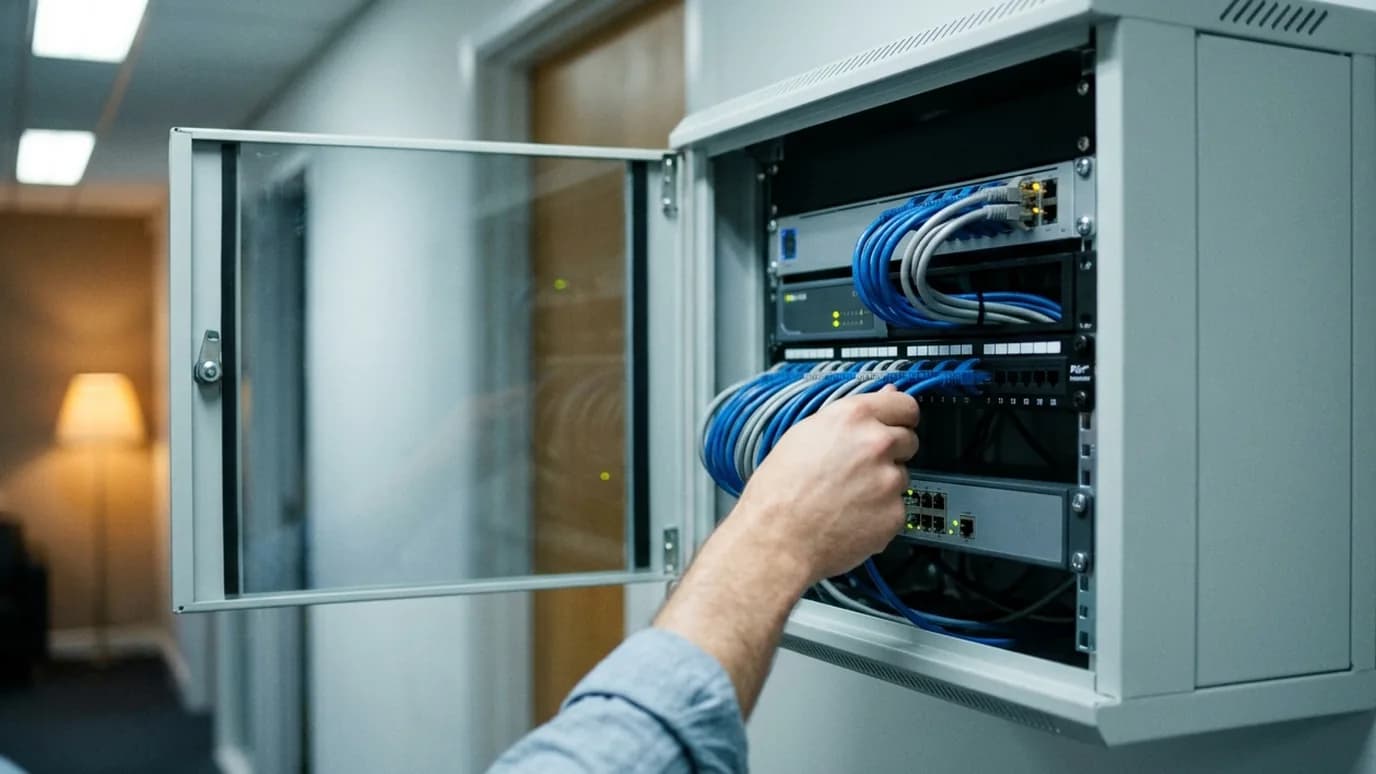
- SIP trunk
- A SIP trunk from your PBX to Liora Flow. No extensions to register.
- Your PBX dials the number
- Liora Flow calls no phone: the number is dialled by your own PBX, through your carrier and with your number. Underneath, we hand the call back to your PBX over the same SIP link, with the number, because to translate, both people have to go through the translation room. In the dashboard you enter your PBX's public address, the transport, the username and password your PBX will always ask us for on the way back, the outbound prefix and the number the callee will see.
- Transport
- SIP over UDP or TCP to Liora Flow. The link back to your PBX over UDP, TCP or TLS.
- Audio
- G.711, PCMA or PCMU. DTMF tones via RFC 2833.
- Identification
- With the SIP username and password (digest) that Liora Flow generates and, optionally, your PBX’s fixed IP as well.
- Language of each call
- Your PBX decides it —with a voice menu (“for English, press 2”), by extension or by queue— and sends it in SIP headers. X-Liora-To-Lang, the answerer’s; without it, the connection’s default language. X-Liora-From-Lang, the caller’s; without it, your company language. X-Liora-To, the number in international format; without it, the dialled one. They carry the language code (es, en, fr…) and all three are optional.
Same price as integrations
Calls are paid with the same credit packs as the integrations: no subscription, you buy credits and spend them where you like. The call to the number is charged by your carrier, like any other call from your PBX.
See integration pricingFrequently asked questions
What phone system do I need?
One that can open a SIP trunk over UDP or TCP with G.711 audio and dial, through your carrier, the number we hand back to it. Nothing needs installing on your team's phones: they dial from their extension. We have tested it end to end with Asterisk, FreePBX 17 and FreeSWITCH.
How is the language chosen?
Your PBX decides it: with a voice menu —“for English, press 2”—, by the extension the call comes from or by queue, and passes it to us in the X-Liora-To-Lang SIP header; without it, the connection’s default language is used. The caller’s is your company language, or whatever X-Liora-From-Lang says. Nothing has to be dialled in front of the number.
How many people can be on the call?
Two: the caller on your PBX and the person who answers. Each hears the other translated into their own language.
Can you hear the other person’s voice?
Yes, softly, underneath the translation, so you can tell who is speaking and how they say it. What nobody hears is their own translation.
How much does it cost?
The same as integrations: you pay with the same credit packs, with no subscription.
Which number does the call go out with?
Yours. The number is dialled by your PBX, through your carrier. The person who answers sees the number you set in the dashboard or, if you leave it empty, whichever your PBX decides. Liora Flow only translates: it calls no phone.